The Anatomy of a Cinematic AI Video Prompt
Most AI clips fail for one reason: the prompt described a picture instead of a shot. Here is the six-part structure working directors use.
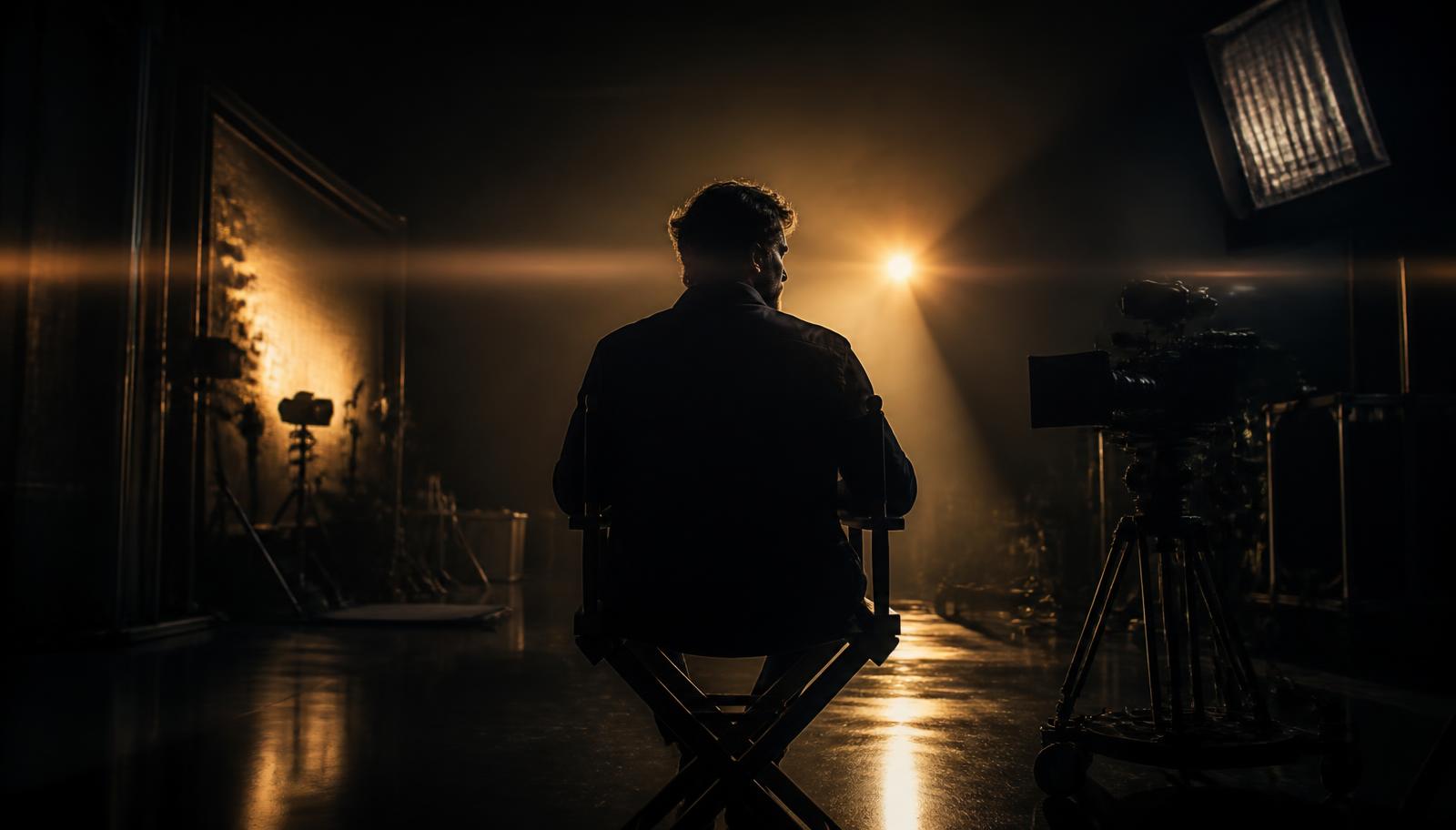
There is a moment every AI filmmaker recognizes. You type a sentence you are proud of, wait, and get back something that looks expensive but says nothing. The lighting is beautiful. The camera is doing nothing. The subject has no objective. It is a wallpaper, not a shot.
The fix is almost never a longer prompt. It is a structured one. If you are new to writing shots, the text to video walkthrough covers the same ideas end to end. A shot has six decisions in it, and if you make all six explicitly, the model stops guessing and starts directing.
The six-part structure
- Subject: who or what we are watching, described concretely.
- Action: the verb, with a beginning and an end inside the clip.
- Camera: position, height, and movement.
- Lens: focal length and depth of field.
- Light: source, direction, quality, and time of day.
- Tone: the emotional register and reference language.
A weak prompt, rewritten
A beautiful cinematic shot of a woman in a city at night, moody, 4k, film look
No action, no camera, no lens. The model invents all three and rarely agrees with you.
A woman in a rain-soaked charcoal coat stops mid-stride and looks back over her shoulder. Camera: slow dolly-in at chest height, ending on a medium close-up. Lens: 40mm, shallow depth of field. Light: sodium street lamps from behind, cold practical spill from a shop window on her face. Tone: restrained neo-noir, no stylisation, no slow motion.
Same idea. Now it is a shot a crew could execute.
Why negative direction beats adjectives
Adjectives like epic, hyperreal, and masterpiece are noise: every prompt has them, so they carry no information. What does carry information is what you refuse. Say no slow motion, no lens flare, no camera shake, no text overlay. Constraint is the most underused direction tool in AI video.
| Instead of | Write |
|---|---|
| epic, dramatic | low camera height, subject fills frame, hard key from one side |
| hyperreal, 8k | 35mm anamorphic, visible grain, natural skin texture |
| beautiful lighting | single warm practical, deep falloff, unlit background |
| cinematic | state the shot size and camera move explicitly |
Test one variable at a time
When a render misses, resist the urge to rewrite everything. Change one part of the six and regenerate. Within four or five passes you will know which decision the model is fighting you on, and that knowledge transfers to every future prompt. Camera direction has a vocabulary of its own, covered in camera movement in AI video.
“A prompt is not a wish. It is a shot list with one line on it.”
Render the rewritten prompt
Paste the After example into ReelVision AI and watch what structure does to the output.
Open the studioFrequently asked
The ReelVision AI editorial team writes about cinematic AI video production, prompt craft, and the workflows behind believable footage.
Try this in ReelVision AI
Everything in this article is one prompt away. Open the studio and render it with locked characters, native audio, and real cinematic motion.
Start CreatingCinematic AI craft, weekly
One email. Prompt breakdowns, camera language, and workflows that make AI footage look directed.
No spam. Unsubscribe in one click.
Related articles
 Trending
Best AI Video Prompts (2026): 100 Copy-and-Paste Prompts That Actually Work
One hundred original, tested AI video prompts across 20 categories, each with a copy button and a short explanation of why it renders cleanly instead of muddy.
 Trending
The Complete AI Video Prompt Guide (2026 Edition)
The seven-part framework we use to write AI video prompts that behave predictably, plus tested examples for cinematic, ultra realistic, anime, commercial, social, and YouTube Shorts work.
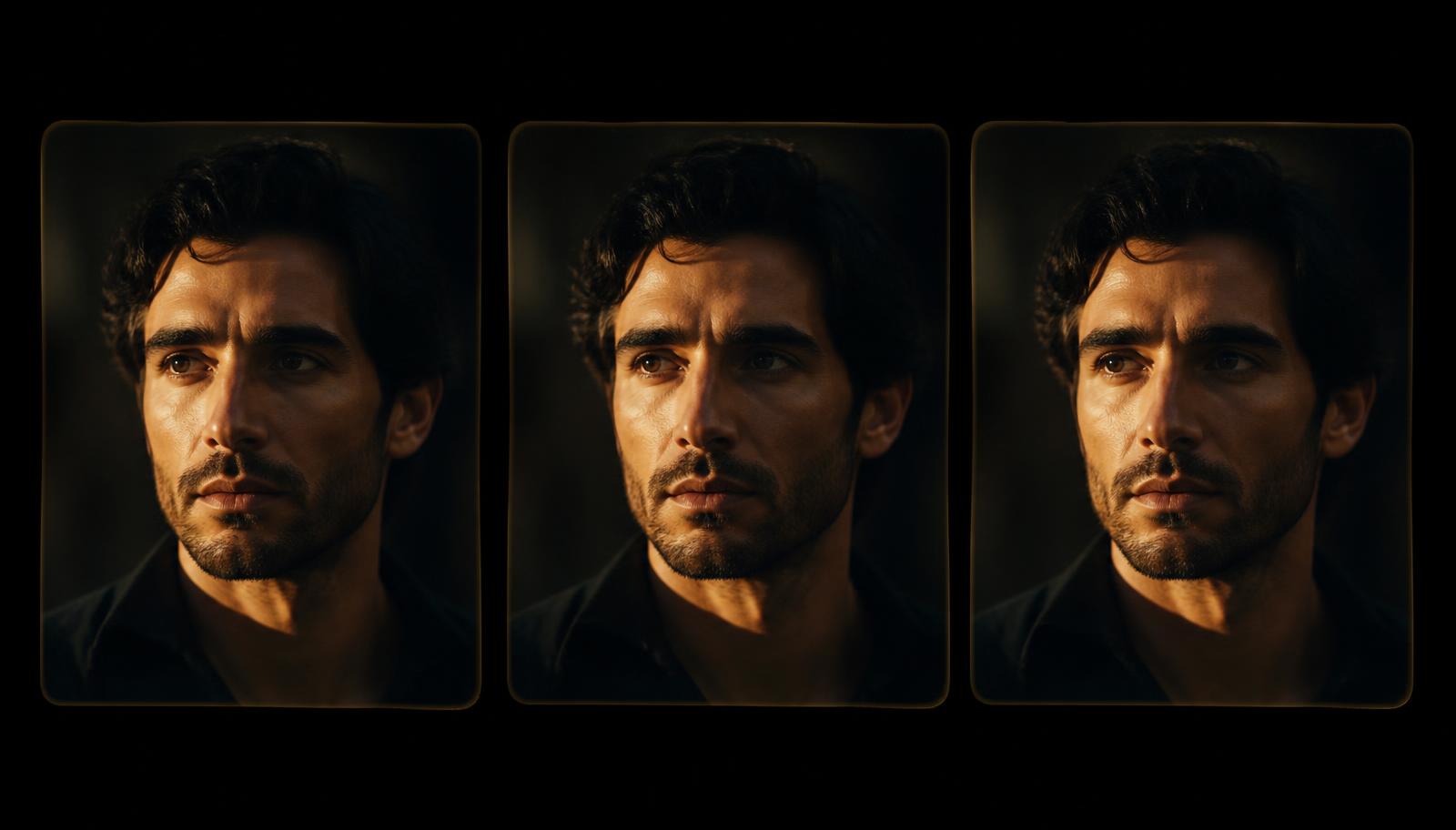
Character Consistency: How to Keep the Same Face Across Every Shot
Nothing breaks an AI edit faster than a lead actor whose face changes between cuts. Here is how to lock identity across an entire sequence.