Camera Language: The Moves That Make AI Footage Feel Directed
The difference between AI footage that feels shot and AI footage that feels rendered is almost always the camera. Here is the vocabulary that gets you there.
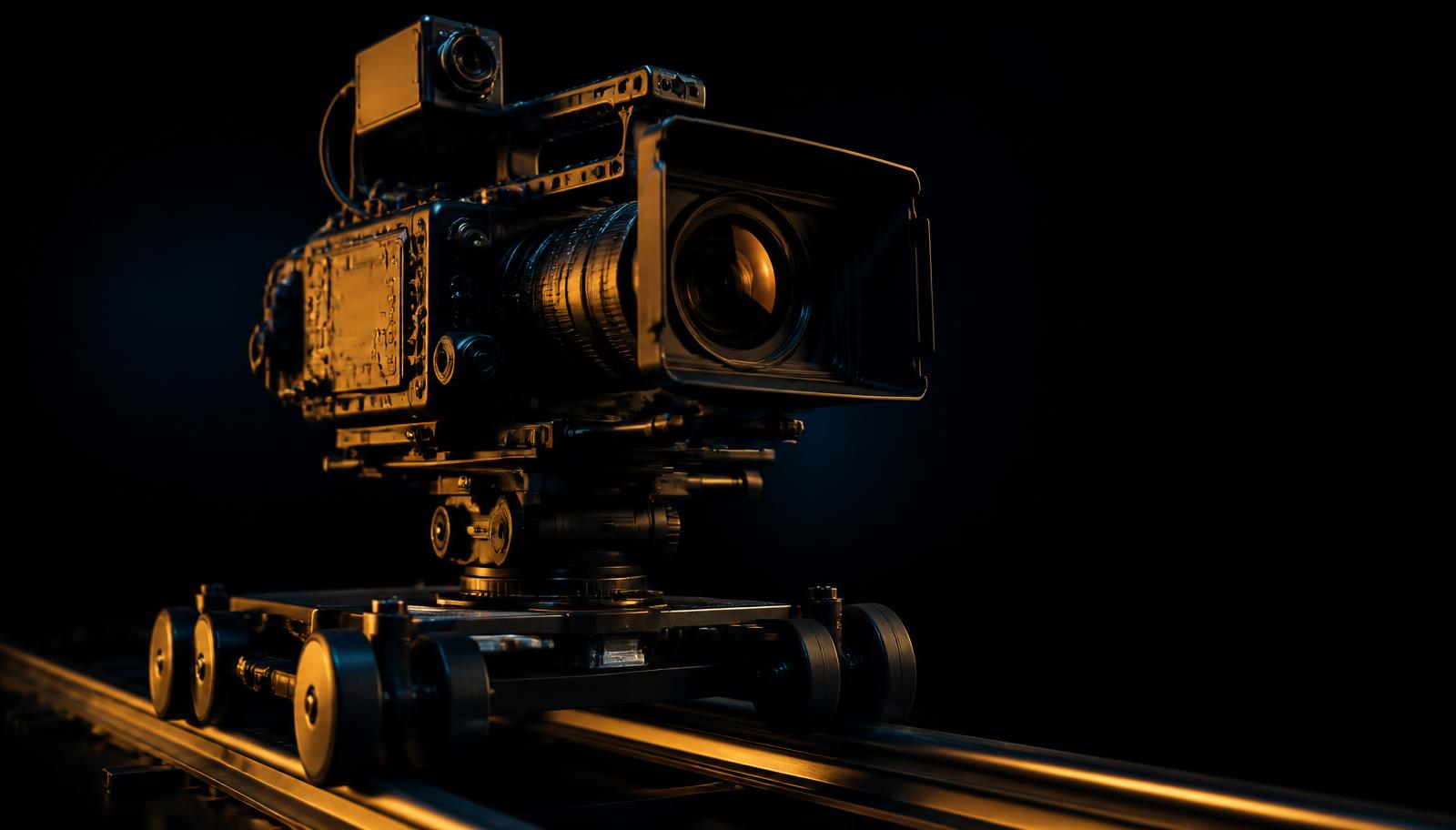
Ask a model for a cinematic shot and it will usually give you a slow drift, the safest move in the world, and the one that instantly reads as generated. Naming a specific camera move is the fastest upgrade available to you, and it costs nothing. Every example here renders in the cinematic AI video generator.
Six moves worth knowing
| Move | What it says | Use it when |
|---|---|---|
| Slow push-in | Attention narrowing | A realization, a decision, a face |
| Dolly out | Isolation, consequence | Revealing scale or aftermath |
| Crane up | Release, conclusion | Ending a beat or a scene |
| Handheld follow | Urgency, subjectivity | Chases, crowds, documentary tone |
| Whip pan | Impact, transition | Cutting between two beats |
| Locked off | Formality, dread | Letting the frame do the work |
State height, distance, and speed
A move without parameters is a suggestion. Give the model three numbers in plain language: how high the camera sits, how far it travels, and how fast. Slow dolly-in at chest height, ending on a medium close-up is direction. Cinematic camera movement is not.
Camera: [move] at [height], starting [wide/medium/close] and ending [wide/medium/close], [slow/steady/fast]. No shake, no zoom, no slow motion.
Drop this into any prompt and fill the brackets. It is the single highest-return habit in AI video prompting.
Match the move to the lens
Wide lenses exaggerate movement; long lenses compress it. A 24mm push-in feels aggressive at the same physical speed where an 85mm push-in feels almost still. If a move feels too much, change the lens before you change the speed.
Build coverage, not clips
Generate a beat three ways, wide locked off, medium handheld, close push-in, and you have an edit instead of a clip. This is where AI video stops being a novelty: coverage is cheap, so shoot like you have a second unit. Keeping your lead recognizable across that coverage is its own craft, covered in character consistency.
Try one move, three ways
Render the same beat with a push-in, a dolly out, and a locked-off frame, then cut them together.
Start creatingFrequently asked
The ReelVision AI editorial team writes about cinematic AI video production, prompt craft, and the workflows behind believable footage.
Try this in ReelVision AI
Everything in this article is one prompt away. Open the studio and render it with locked characters, native audio, and real cinematic motion.
Start CreatingCinematic AI craft, weekly
One email. Prompt breakdowns, camera language, and workflows that make AI footage look directed.
No spam. Unsubscribe in one click.
Related articles
Character Consistency: How to Keep the Same Face Across Every Shot
Nothing breaks an AI edit faster than a lead actor whose face changes between cuts. Here is how to lock identity across an entire sequence.
 Trending
Best AI Video Prompts (2026): 100 Copy-and-Paste Prompts That Actually Work
One hundred original, tested AI video prompts across 20 categories, each with a copy button and a short explanation of why it renders cleanly instead of muddy.
 Trending
The Complete AI Video Prompt Guide (2026 Edition)
The seven-part framework we use to write AI video prompts that behave predictably, plus tested examples for cinematic, ultra realistic, anime, commercial, social, and YouTube Shorts work.