Character Consistency: How to Keep the Same Face Across Every Shot
Nothing breaks an AI edit faster than a lead actor whose face changes between cuts. Here is how to lock identity across an entire sequence.
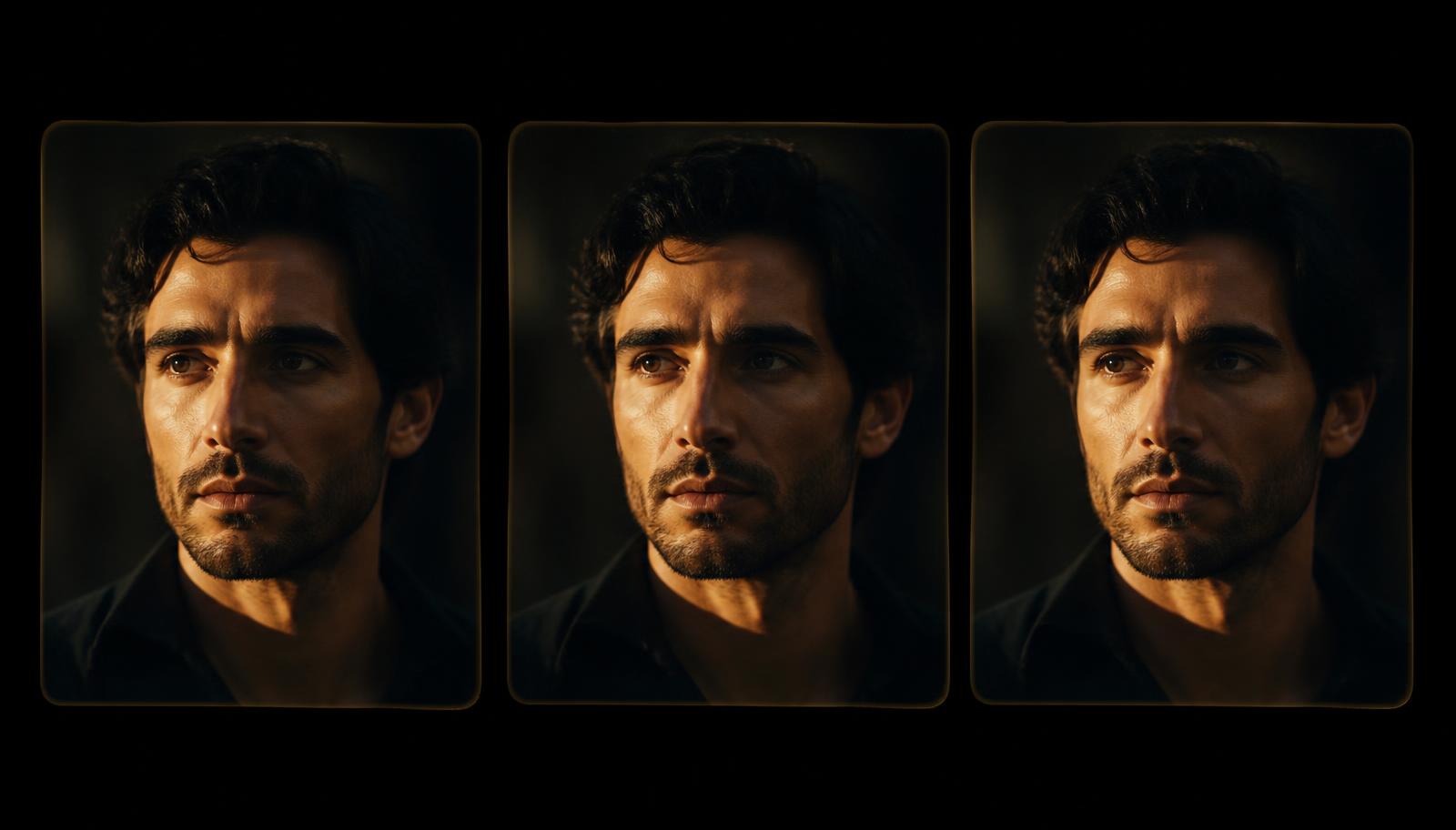
You can forgive an AI clip almost anything except a face that will not stay still. Audiences read identity faster than they read composition, and the instant the lead changes, the story stops being a story and becomes a demo.
Identity is a description problem first
Before you reach for any feature, write the character once and never improvise again. Five anchors are enough: age range, face shape and distinguishing feature, hair, wardrobe, and posture. Reuse that block verbatim in every shot. The six-part prompt structure shows where that block sits inside a full shot description.
MAYA, mid-thirties, angular face with a small scar through the left eyebrow, black hair pulled back tight, charcoal wool coat over a grey collarless shirt, holds her shoulders slightly forward when she walks.
Paste this identically into every shot prompt. Change the scene around it, never the block itself.
Use a reference frame, not a mood board
A single clean reference image of the character, neutral expression, even light, front three-quarter angle, outperforms a collage of inspiration. Feed that same frame into every generation so the model has one target instead of an average of several.
Lock, then continue
In the AI movie scene generator, Character Lock holds identity across separate generations and Continue Scene extends the parent shot rather than reinterpreting it. The practical workflow is: establish the character in one hero shot you are happy with, lock it, then build every subsequent beat from that anchor.
- Generate a hero shot until the face is right.
- Lock the character from that generation.
- Write each new beat with the same character block.
- Use Continue Scene for beats that extend the same action.
- Only start a fresh shot when the location or time changes.
Cut around the remaining drift
Some drift will survive. Editing solves what generation cannot: favor medium and wider shots for the drifting beats, keep the tight close-ups for your strongest renders, and cut on motion so the eye is moving when the face changes by two percent.
“Consistency is not a model feature. It is a discipline you apply before you press generate.”
Lock your lead character
Build one hero shot, lock the identity, and render the rest of the sequence around it.
Try Character LockFrequently asked
The ReelVision AI editorial team writes about cinematic AI video production, prompt craft, and the workflows behind believable footage.
Try this in ReelVision AI
Everything in this article is one prompt away. Open the studio and render it with locked characters, native audio, and real cinematic motion.
Start CreatingCinematic AI craft, weekly
One email. Prompt breakdowns, camera language, and workflows that make AI footage look directed.
No spam. Unsubscribe in one click.
Related articles
 Trending
Camera Language: The Moves That Make AI Footage Feel Directed
The difference between AI footage that feels shot and AI footage that feels rendered is almost always the camera. Here is the vocabulary that gets you there.
 Trending
Best AI Video Prompts (2026): 100 Copy-and-Paste Prompts That Actually Work
One hundred original, tested AI video prompts across 20 categories, each with a copy button and a short explanation of why it renders cleanly instead of muddy.
 Trending
The Complete AI Video Prompt Guide (2026 Edition)
The seven-part framework we use to write AI video prompts that behave predictably, plus tested examples for cinematic, ultra realistic, anime, commercial, social, and YouTube Shorts work.